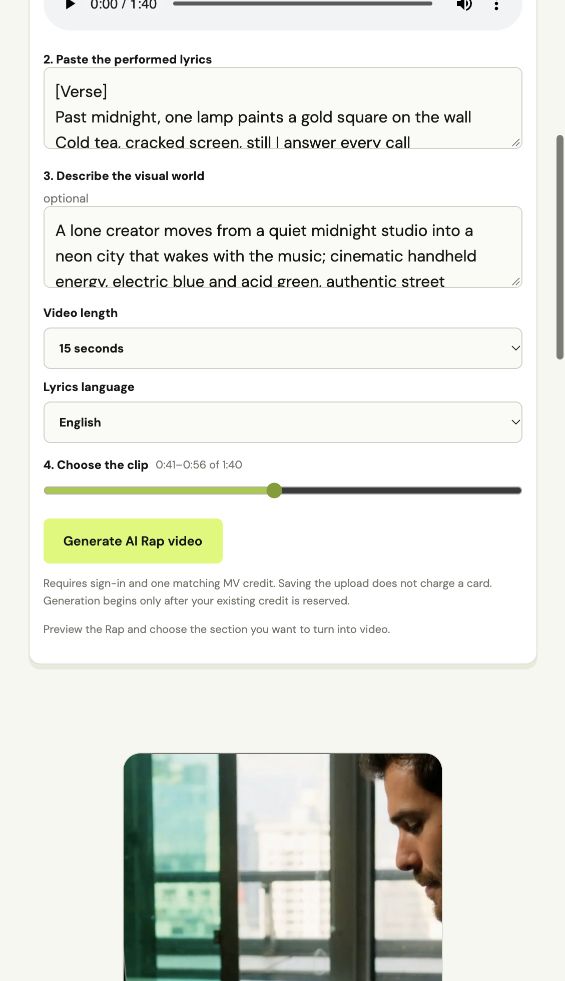
1. Preview and choose the clip
Listen in the browser, then select a 15, 30 or 60 second section. The draft shows its start time, end time and planned scene count before generation.
Use this route when the Rap is already finished. Upload the MP3, paste the words exactly as performed, select the section, and let the task continue in your private Studio.
Listen in the browser, then select a 15, 30 or 60 second section. The draft shows its start time, end time and planned scene count before generation.
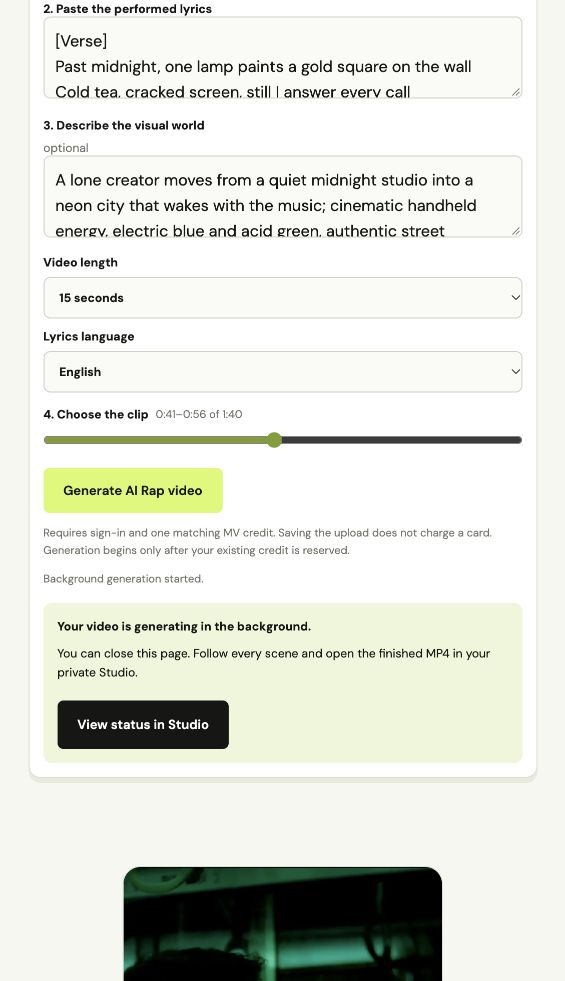
After confirmation, the task survives page close and reload. Return to the Studio to see queue, scene and render status.
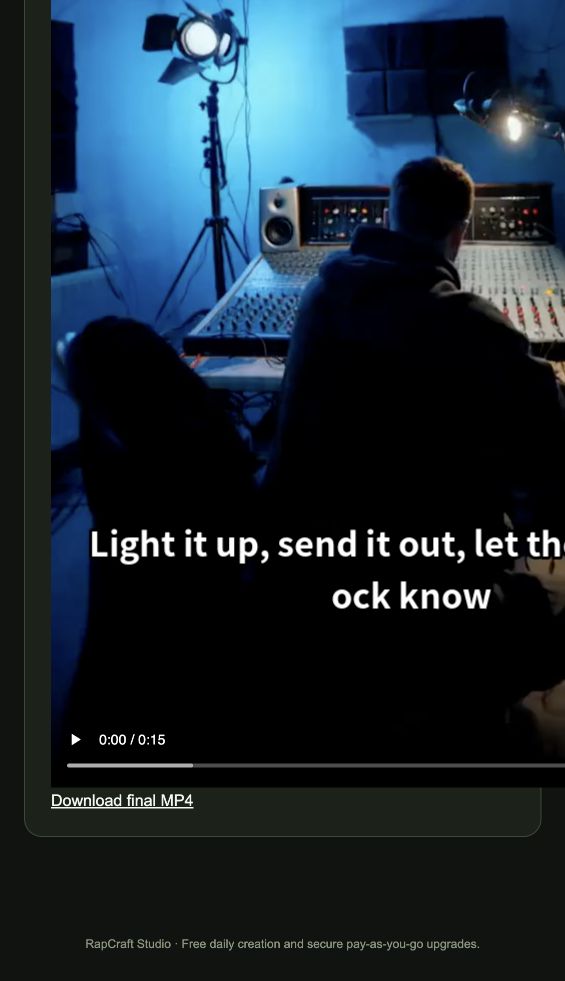
The production task combines the selected audio, generated shots and aligned caption timeline into one downloadable MP4.